Perfecting the Webinar
Written by Kieron Seth, Product Marketing Director at Lumens
October 22, 2026 110
Webinar set-ups are notoriously difficult to get right: they are either expensive broadcast productions or uninspiring webcam presentations. In the real world, organizations often have to choose low cost kit. This is a problem. According to WebinarWell, the number one issue faced by viewers is poor audio and video quality. The result is a monotonous, lacklustre presentation and a lack of engagement.
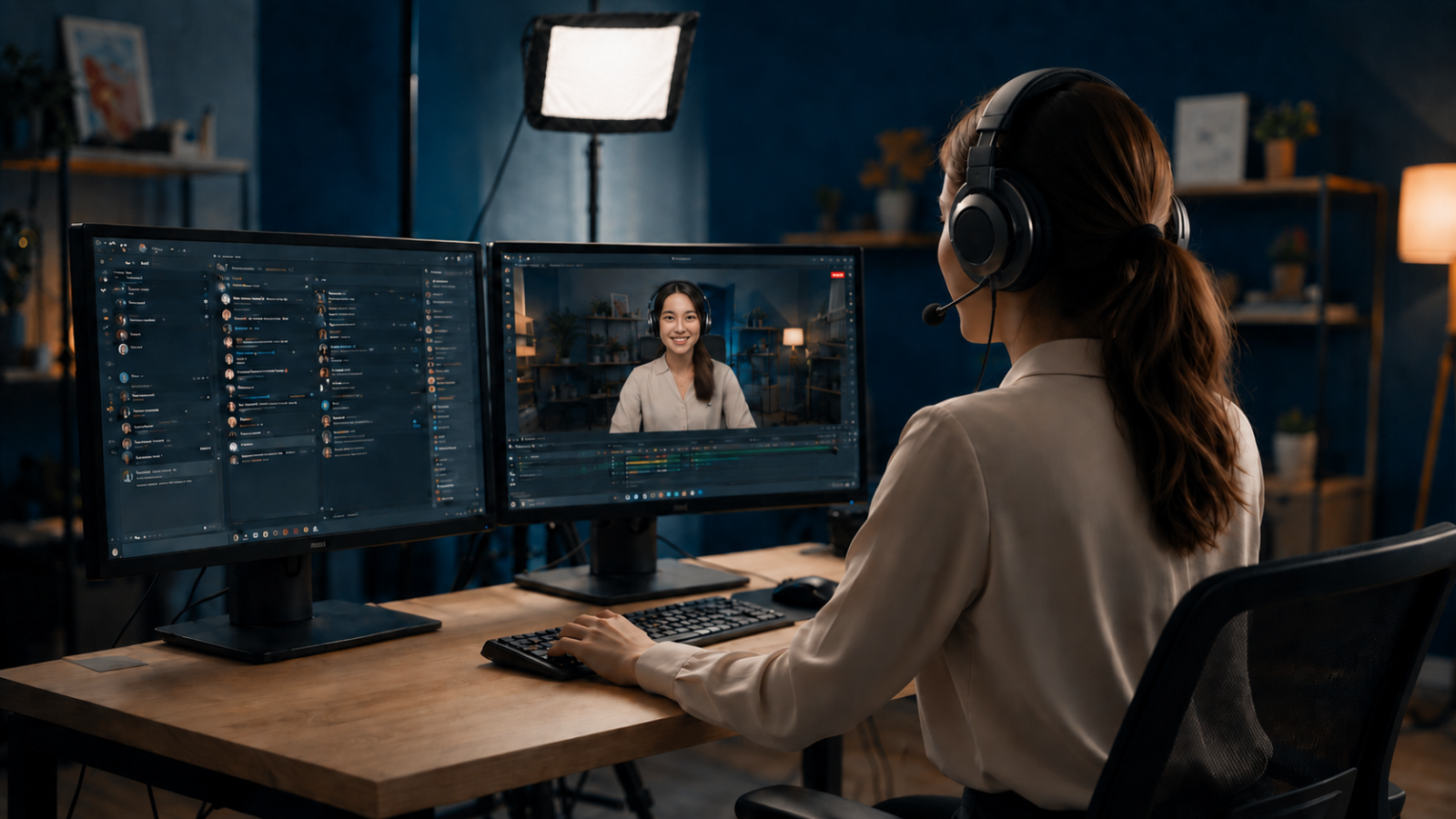
Platforms such as Demio, GoToWebinar, Zoom, Teams and Webex are built for interactivity, rich media presentations, breakout discussions, data analytics and integration with CRM and ERM systems. Behind the platform, however, there has been a reluctance to embrace change in production technology, meaning that the webinars today fall into two distinct camps.
▶1. Webinar Technology: no expense spared
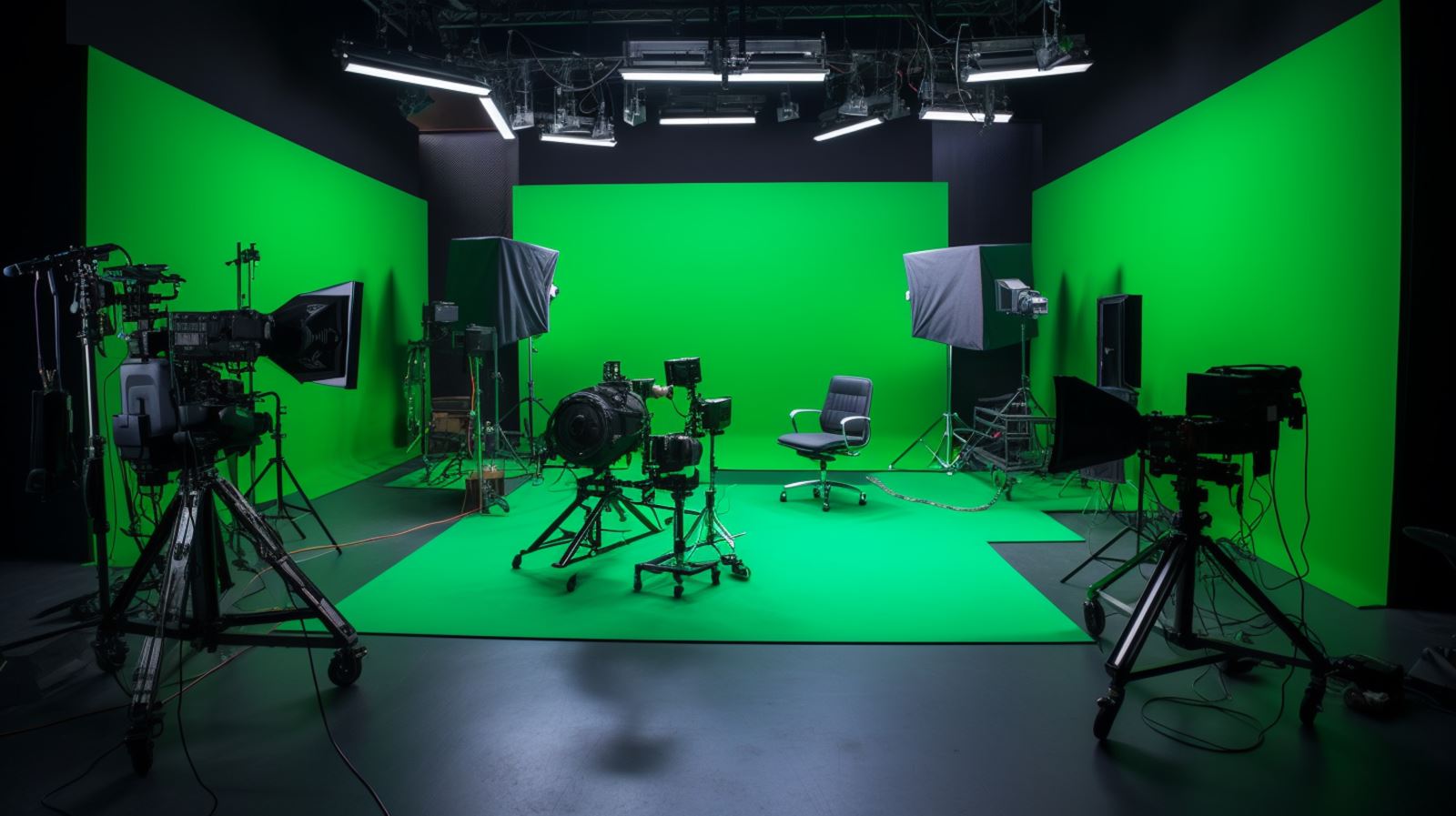
The first is the high budget video production in a professionally lit studio, with state-of-the-art audio equipment. They feature cine-level video cameras or high end PTZ units with television-style vision mixing and switching.
The result is the ultimate video and audio quality, and the opportunity to maintain viewer interest by switching camera angle. However, the cost of acquiring, integrating and operating the equipment is very high, and can only be justified in high usage commercial environments.
▶ 2. Webinar Technology: no frills
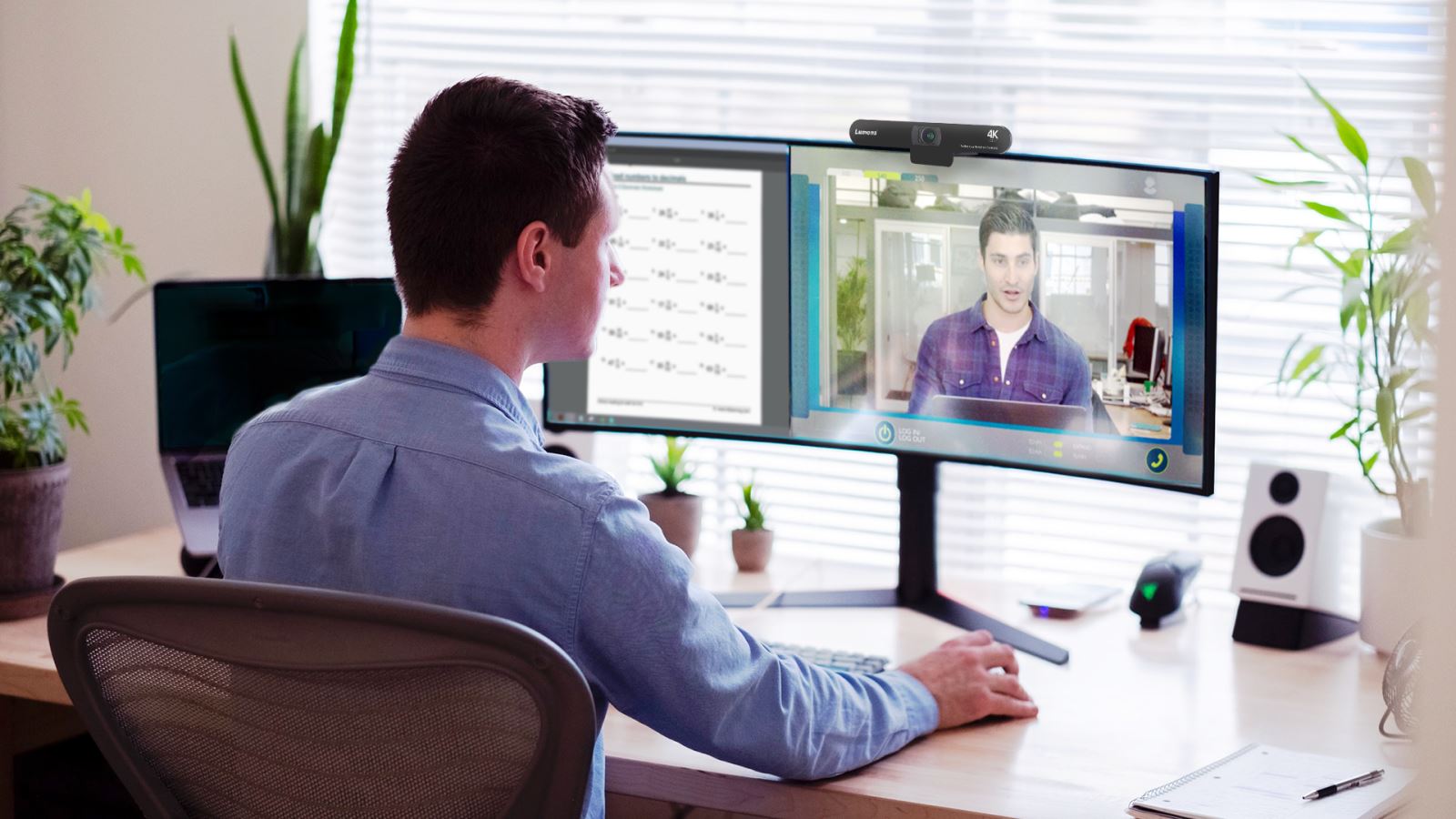
The usual alternative is no more sophisticated than a laptop and a webcam. The advantage – other than cost – is flexibility. Presenters can lead a webinar from anywhere with a stable connection to the Internet.
The disadvantages are numerous, including poor audio quality, limited video performance and the monotony of watching a static close-up of the presenter.
▶ 3. Minimal kit, high production values
New generation AV equipment can deliver far better video and audio quality than a laptop with a webcam. Modern AI-enabled PTZ cameras are changing how webinars are produced.
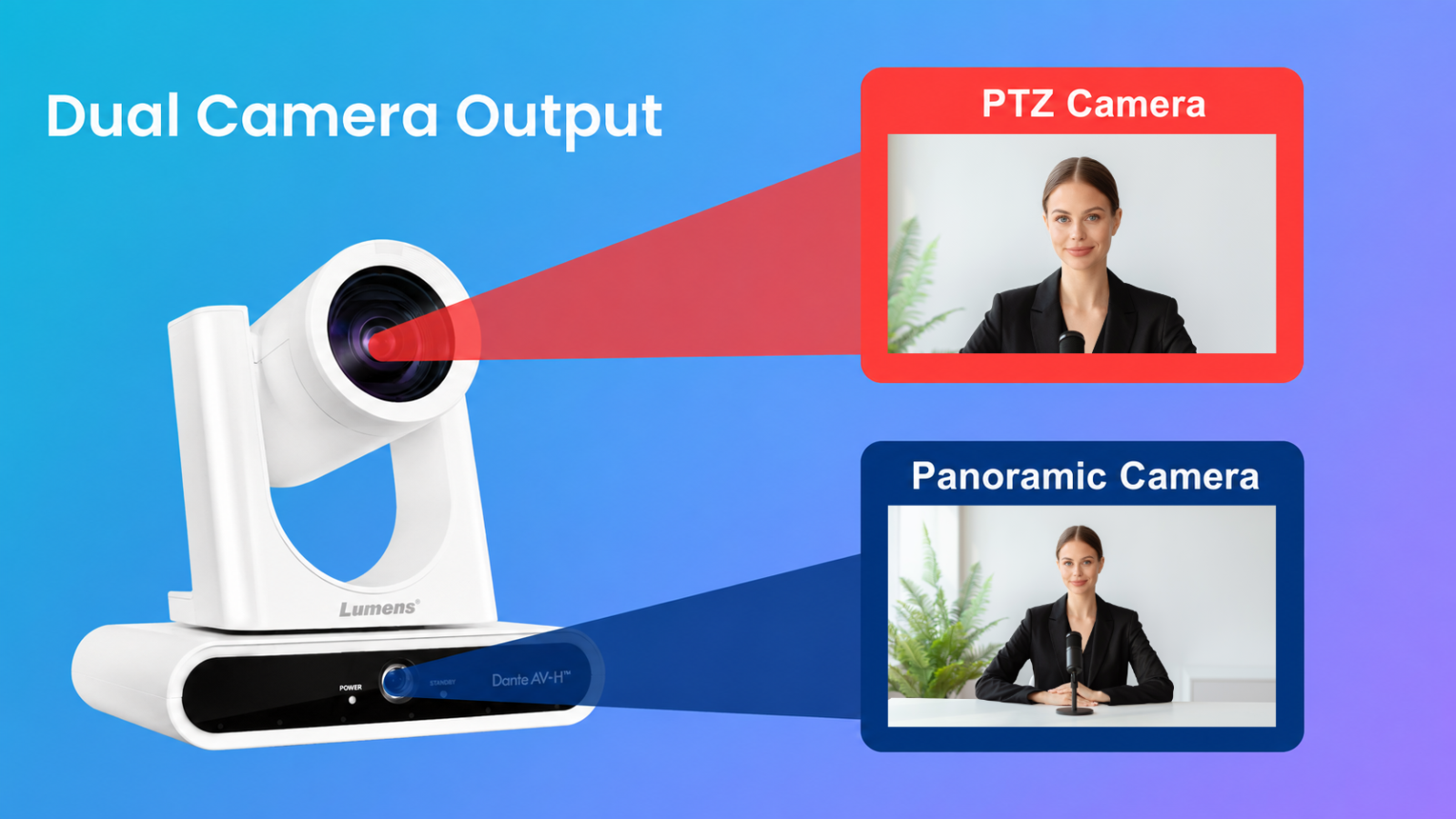
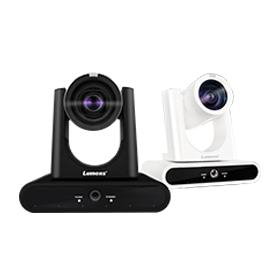
For example, the Lumens speaker tracking camera has a twin lens design, enabling the user to instantly switch between the wide-angle camera and the 12x zoom lenses. This creates a dynamic, television-style production using two camera perspectives. The engagement is immediately increased with viewers, as the camera switches between the intimate close-up and the more contextual wide shot. Camera angles can be set manually, established as one-click presets, or automated using the camera’s built-in framing mode.
This is all achieved with a single low-profile camera such as the Teams certified Lumens VC-TR60A that can be tripod or wall-mounted or suspended from the ceiling. Connection to the camera is just as simple: a single Ethernet cable carries video, power and control signals.
▶ 4. Professionalizing the Presentation
While the camera significantly increases the engagement between the viewer and the host, this on-screen relationship can evaporate when the webinar switches to the classic presentation view. Eye contact is lost and only the most elegantly designed PowerPoint or Keynote can keep the audience's interest.
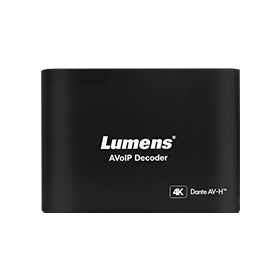
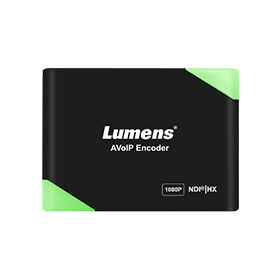
The solution is the 50:50 split screen. With Lumens OIP mini processors, camera streams and the encoded output of a laptop can be combined into a video single output, available to the webinar platform for live playout. Within this layout, the user can select and switch video source, to maintain that all-important human touch.


▶ 5. Automation and Control
Research over the last 40 years has consistently and conclusively demonstrated that organizations will invest heavily in systems that employees then under-utilize because they are difficult to learn, poorly designed, or create friction in everyday work.
It is the simplicity of the bring-your-own-machine laptop with a webinar platform that makes this approach so widespread. Unfortunately, as we have seen, this 'no frills' approach delivers a very basic audience experience. The alternative - the rigging of a professional multi-camera studio - is simply not an option for most organizations.
Lumens' IP-based AV technology is the solution. It is designed around automation and simplified control. In this instance, it means that there is no need to manually control the camera or set up specific shots – VC-TR60A will do it all, automatically.
Selecting the close up or wide shot, and triggering the side-by-side presenter/presentation mode requires nothing more than a single click on a handheld controller.
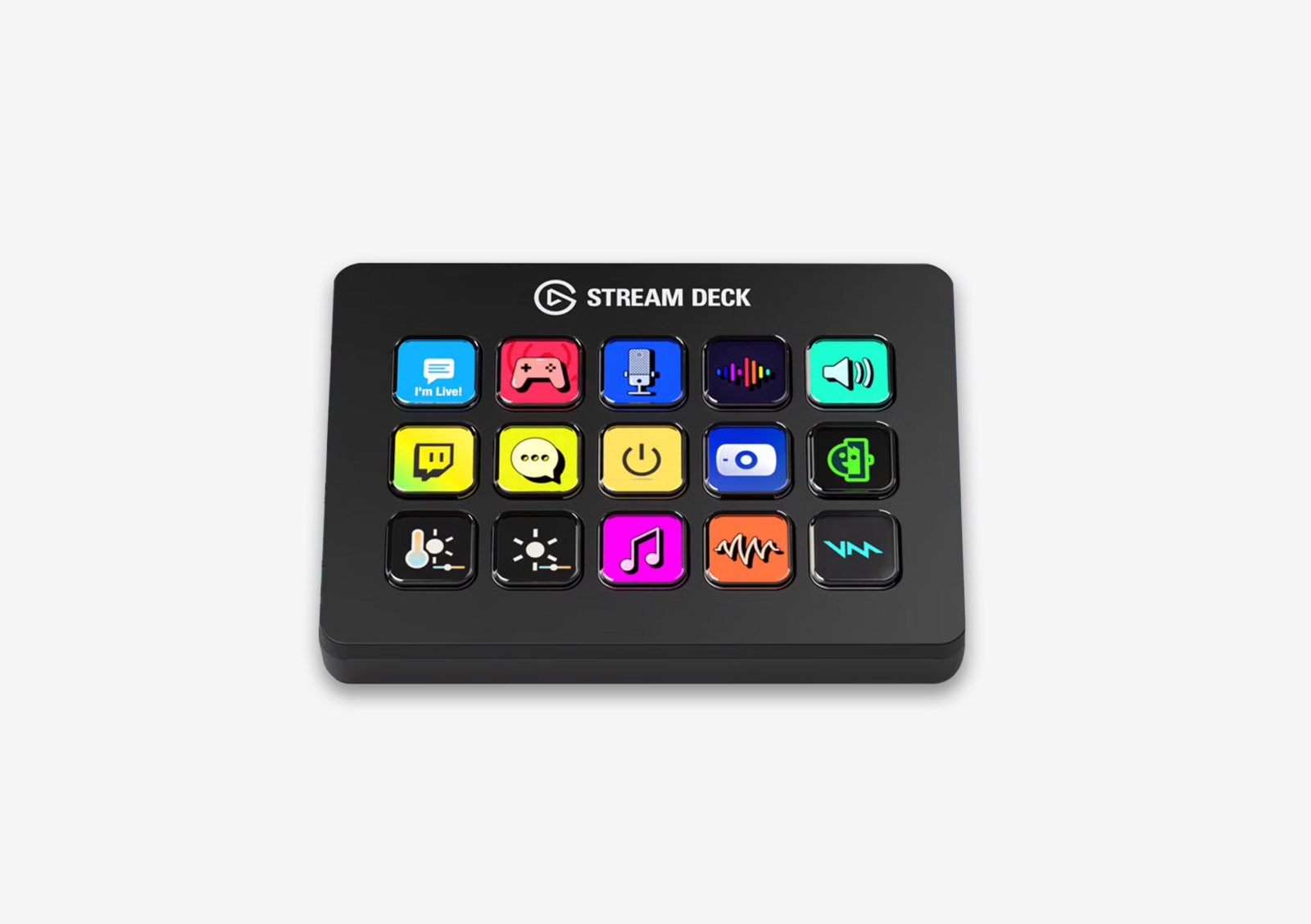
Devices, such as the Elgato StreamDeck work very well for this kind of AV integration, offering a colourful control interface. Not only can this device select the camera angle and call up the presentation split screen, it can also control the presentation itself. This allows presenters to manage multiple functions from a single interface.
▶ 6. The Webinar Room Integration
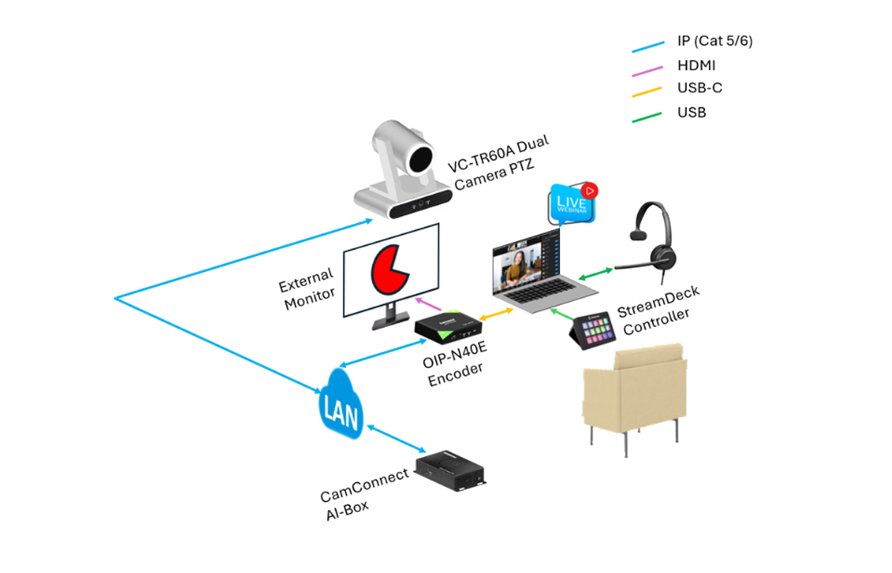
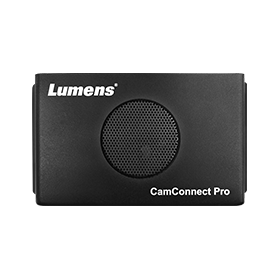
The integration uses the existing local area network (LAN). The only touchpoint for the user is the StreamDeck controller. A single USB-C connection from the presentation to the encoder links the laptop and the webinar session to the camera, CamConnect IP processor and the external monitor. The session can begin immediately, with multi-angle video and a professionally laid out split screen video.
▶ 7. Matching a Broadcast Integration
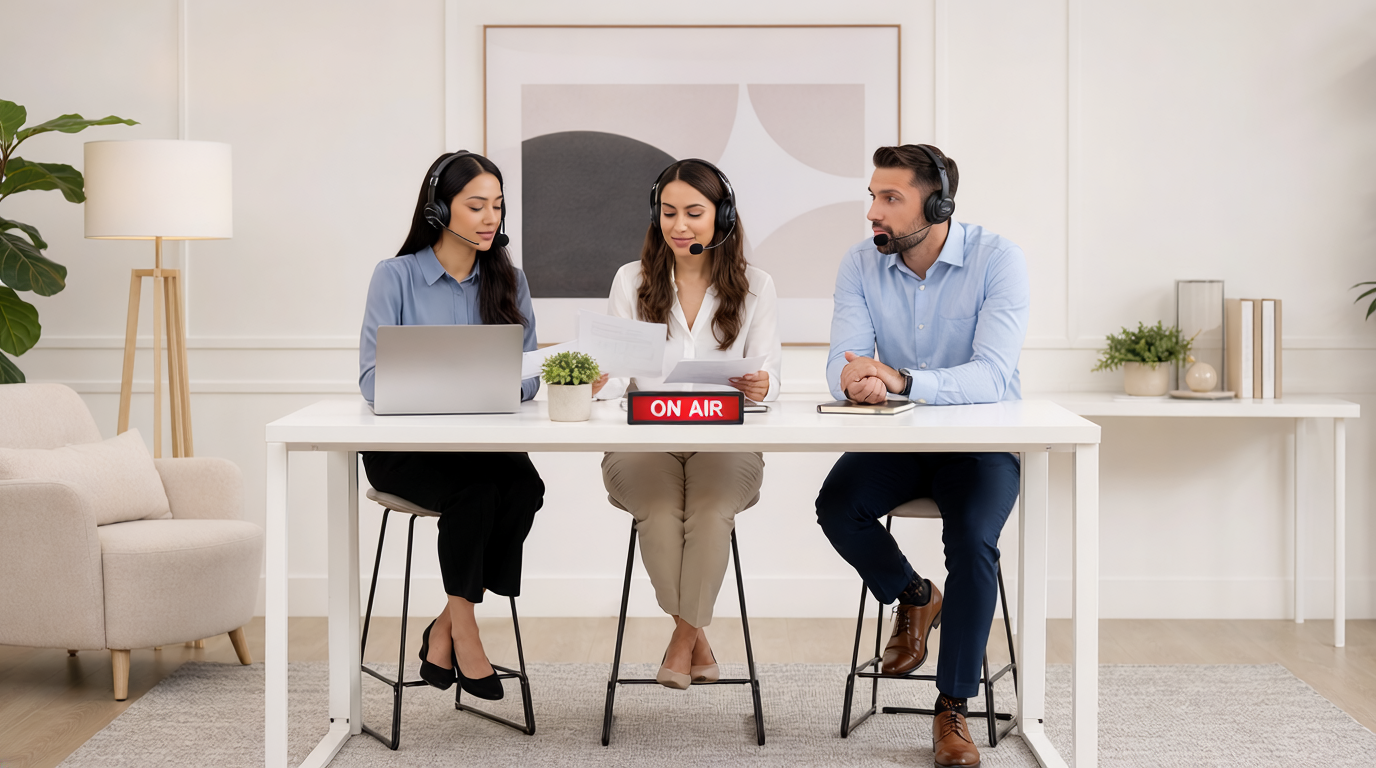
While many webinars are based around a presentation and a single presenter, according to experts such as MeetingOne, “having several webinar speakers present during your online sessions is an excellent way to add a differing or complementary perspective to a single topic. And multiple speakers can drive participant interest, expand your audience base, and increase webinar attendance.”
With three or more panellists and multiple cameras, do we have any choice but to install racks of broadcast equipment with vision mixers, video switchers and camera controllers?
With new AV equipment, the entire multi-camera production can be managed entirely by the host, using a simple handheld controller. At the heart of the Lumens multi-camera webinar solution is the CaptureVision media processor. This multi-channel switcher, recorder and streaming device manages graphics, camera and audio inputs, and enables organizations to add branding and logos for a polished online presentation.
▶ 8. One Finger Control
In the set up process, the user can define and store camera angles and layout templates, saving three scenes which could be (1) presentation only (2) wide view camera only (3) Mix of close-up presenter view and the presentation. Activating 1, 2, or 3 on the handheld controller will instantly recall these scenes.
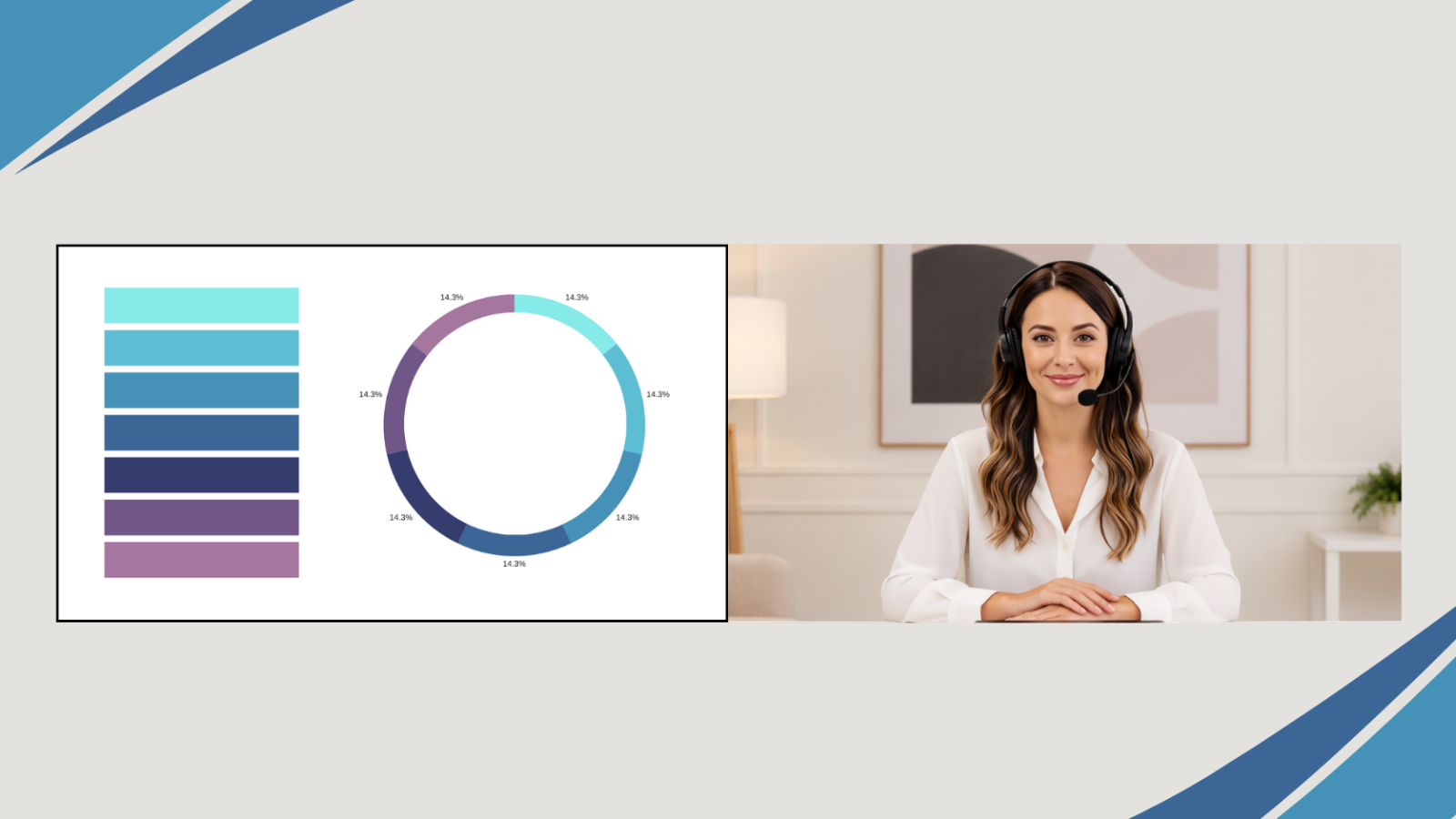
If the webinar would benefit from more scenes, add a more sophisticated controller such as an Elgato StreamDeck or Densitron Prodeck. Both are highly visual and very easy to use, and can add more scenes enabling the instant triggering of (for example) close-ups on presenter 1, 2 or 3.
As an integrated unit, the CaptureVision device will record every input, combine video and audio sources and stream the session over online platforms such as YouTube or Vimeo. At the same time, units such as the Lumens LC300 include a USB output: linked to a laptop, the webinar is broadcast interactively over your preferred video conferencing platform such as Teams or Zoom.
Click here Back to Top ↑